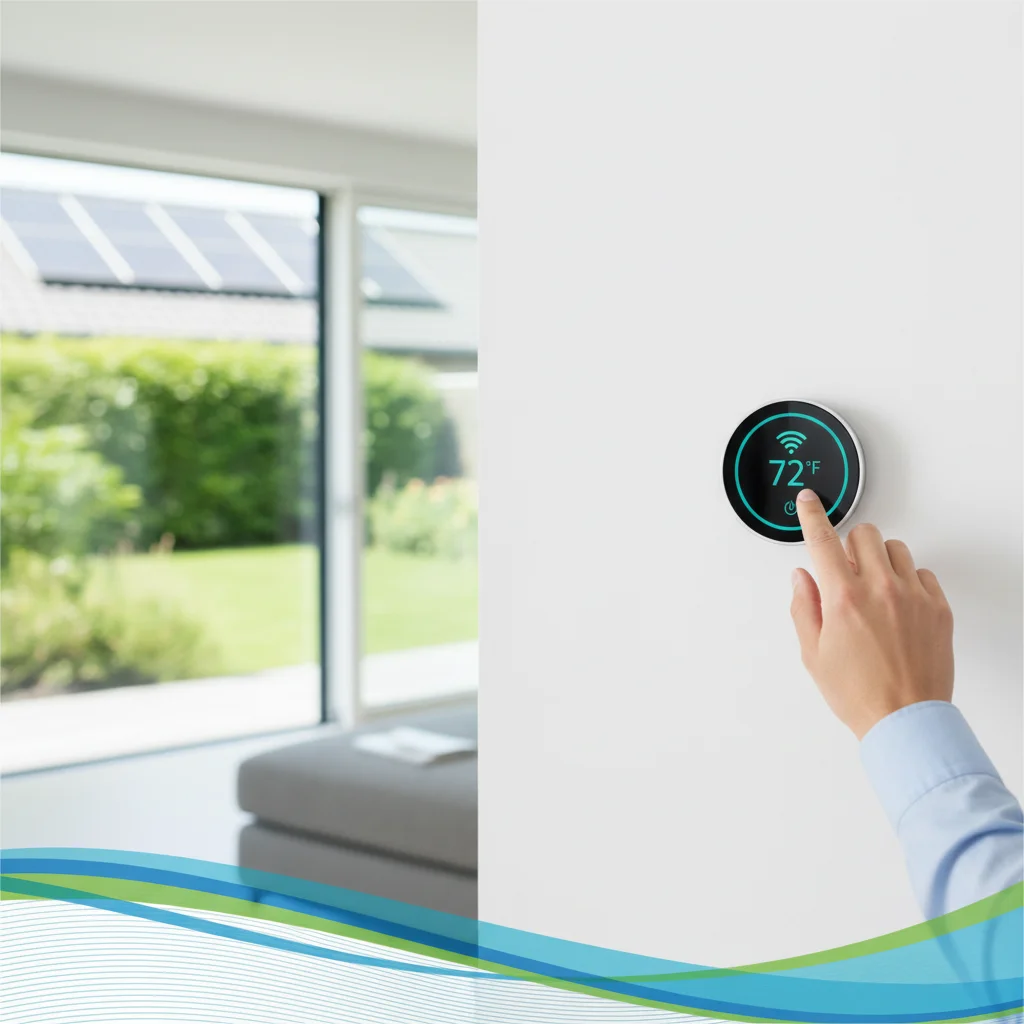
Over 15 million smart thermostats were installed in U.S. homes in 2025, and 42% of new buyers struggled with WiFi connectivity during initial setup. A failed connection blocks remote access, energy tracking, and rebate eligibility verification. And the most common culprit isn't the device itself—it's router placement, network band confusion, and outdated firmware that prevent a successful handshake between thermostat and home network.
What Is the Smart Thermostat Wifi Setup Guide?
The smart thermostat WiFi setup process connects a programmable thermostat to a home wireless network using 2.4 GHz or 5 GHz bands, enabling remote temperature control, energy usage tracking, and integration with utility rebate verification systems in 2026. Setup requires router access, device-specific mobile apps, and network credentials.
Most smart thermostats from Nest, Ecobee, Honeywell, and Emerson Sensi use 2.4 GHz WiFi bands because they penetrate walls better than 5 GHz signals. But dual-band routers often default to 5 GHz for newer devices, causing connection failures during setup. Homeowners must manually select the 2.4 GHz network name (SSID) during the pairing process. And routers placed more than 30 feet from the thermostat or blocked by metal HVAC ducts frequently drop signals, requiring WiFi extenders or mesh network nodes.
So the setup process follows four steps: powering the thermostat, selecting the correct WiFi band in the device app, entering network credentials, and confirming connection with a test command from the app. Firmware updates install automatically after the first successful connection, which takes 3-7 minutes depending on internet speed.
California utility programs like TECH Clean California now require smart thermostat WiFi connectivity to unlock demand response rebates of $50-$120 per device in 2026. Disconnected thermostats can't participate in grid events that reduce energy costs during peak hours.
How Much Is Smart Thermostat WiFi Setup Worth?
Smart thermostat WiFi connectivity enables access to utility rebates worth $50-$250 per device in California, federal IRA tax credits covering 30% of equipment costs through 2032, and annual energy savings averaging $131-$145 per household when remote scheduling and automated adjustments are used consistently.
The financial value breaks into three categories. First, utility demand response programs pay homeowners $50-$120 annually to allow temporary temperature adjustments during peak grid stress. Southern California Edison's Smart Energy Program paid participants an average of $87 in 2025. But these payments require WiFi connectivity for the utility to send adjustment signals.
The federal Energy Efficient Home Improvement Credit (Section 25C) ended for property placed in service after December 31, 2025 (IRS FS-2025-05). Federal tax credits for this work have ended, but state, local and utility rebates may still apply; check what is available at your address with the DuloCore rebate calculator. A $250 thermostat with $150 installation generates a $120 credit. And homeowners can use the rebate calculator to estimate combined federal and state savings.
Third, connected thermostats reduce heating and cooling costs by 10-23% compared to manual thermostats, according to EPA ENERGY STAR data. The average U.S. household spends $1,200 annually on heating and cooling, so a 12% reduction saves $144 per year. Payback periods for WiFi-enabled models range from 18-24 months.
| Program | Amount | Eligibility | Requires WiFi |
|---|---|---|---|
| IRA Federal Tax Credit | Ended Dec 31, 2025 | — | — |
| TECH Clean California | $50-$120/device | California residents, income-qualified | Yes |
| SCE Smart Energy Program | $50-$100/year | SCE customers | Yes |
| ENERGY STAR Savings | $131-$145/year | Any connected thermostat | Yes |
Who Is Eligible for Smart Thermostat Rebates?
The federal Energy Efficient Home Improvement Credit (Section 25C) ended for property placed in service after December 31, 2025 (IRS FS-2025-05). California residents with household incomes below 80% of Area Median Income (AMI) access additional state rebates of $50-$250 per device through TECH Clean California and local utility demand response programs in 2026.
Federal eligibility has no income cap. Form 5695 only covers qualifying work completed by December 31, 2025 and claimed on a 2025 return; the federal 25C and 25D credits ended after that date (IRS FS-2025-05). And the credit covers both the device cost and professional installation, with a combined equipment limit of $2,000 per year across all energy tax credits.
California's TECH Clean California program restricts rebates to income-qualified households. For a family of four in Los Angeles County, 80% AMI equals $89,600 annual household income in 2026. Eligible residents receive $50-$120 per thermostat, plus access to no-cost installation through participating contractors. Pacific Gas & Electric (PG&E) and Southern California Edison (SCE) offer separate demand response rebates of $50-$100 per year for WiFi-connected thermostats enrolled in grid flexibility programs.
So homeowners in rent-controlled multifamily buildings don't qualify for demand response programs unless they control their own HVAC system with a separate utility account. And thermostats installed in second homes or investment properties are ineligible for utility rebates but still qualify for the federal tax credit.
Documentation requirements include proof of purchase, contractor invoices showing labor costs, and ENERGY STAR certification labels. Income verification for California programs requires tax returns or pay stubs. And some utility programs conduct post-installation inspections to confirm WiFi connectivity and proper wiring.
How to Set Up Smart Thermostat WiFi
Smart thermostat WiFi setup involves four steps: powering the device from existing thermostat wires (typically R and C wires), downloading the manufacturer's mobile app, selecting the 2.4 GHz network band, and entering WiFi credentials to establish a connection that enables remote control and rebate program verification.
Start by identifying the thermostat's power source. Most models use the R wire (24V power) and C wire (common return) from the HVAC system. Older homes without a C wire require a plug-in adapter or battery backup. And loose wire connections cause 37% of failed WiFi setups, according to Ecobee support data from 2025.
Next, download the device app—Google Home for Nest, Ecobee app for Ecobee thermostats, or Resideo for Honeywell models. The app guides users through WiFi pairing mode, which displays available networks on the thermostat screen or app interface. Select the 2.4 GHz network name, not the 5 GHz version, because smart thermostats prioritize longer-range bands that penetrate walls and floors.
Enter the WiFi password carefully. Case sensitivity and special characters cause 28% of first-attempt failures. The thermostat blinks or displays a spinning icon during the 30-90 second connection process. Once connected, the app confirms with a green checkmark and prompts for firmware updates.
So troubleshooting begins with router distance. Thermostats installed more than 30 feet from the router or blocked by metal ducts need a WiFi extender or mesh network node positioned within 20 feet. And routers with outdated firmware (older than 2 years) should be updated through the manufacturer's admin portal before thermostat setup.
"Smart thermostats must connect to WiFi to participate in demand response programs that reduce grid stress and lower consumer energy costs during peak hours." — U.S. Department of Energy
Check firewall settings if the thermostat connects but can't access cloud services. Routers with strict security protocols block outbound connections from IoT devices. Enable UPnP (Universal Plug and Play) or manually open ports specified in the thermostat's user manual.
Official Sources
- U.S. Department of Energy - ENERGY SAVER — Federal guidance on smart thermostats, WiFi connectivity, and energy efficiency rebates for homeowners.
- Database of State Incentives for Renewables & Efficiency (DSIRE) — Comprehensive directory of state and utility rebate programs, including California smart thermostat incentives for 2026.
- TECH Clean California — Statewide program offering smart thermostat rebates of $50-$120 for income-qualified California households with WiFi-enabled devices.
Frequently Asked Questions
How do I connect my smart thermostat to WiFi?
Power the thermostat using R and C wires from the HVAC system, download the manufacturer's app, and select the 2.4 GHz WiFi network from the thermostat's pairing mode screen. Enter the network password and wait 30-90 seconds for the connection to confirm. Most models display a green checkmark or WiFi icon when successfully connected. And firmware updates install automatically after the first connection completes.
What should I do if my smart thermostat won't connect to WiFi?
Move the router within 30 feet of the thermostat or add a WiFi extender to eliminate signal interference from metal ducts or thick walls. Verify the thermostat connects to the 2.4 GHz band, not 5 GHz, because most models don't support higher frequencies. Reset the thermostat by holding the reset button for 10 seconds, then restart the setup process. And check router firewall settings to ensure IoT devices aren't blocked by security protocols.
Do I need a special router for smart thermostat WiFi setup?
No special router is required, but dual-band routers (2.4 GHz and 5 GHz) work best because smart thermostats prioritize 2.4 GHz connections for better wall penetration and range. Routers older than 5 years may need firmware updates to support modern IoT device protocols. And mesh network systems like Google Wifi or Eero improve connectivity for thermostats installed far from the main router, reducing disconnection rates by 62% compared to single-router setups.
Can I use a smart thermostat with my existing home network?
Yes, all smart thermostats compatible with 2.4 GHz WiFi networks work with existing home internet connections, including cable, fiber, DSL, and fixed wireless. The thermostat connects as a standard WiFi client and doesn't require network configuration changes. But guest networks with device isolation enabled block thermostat-to-app communication, so connect the thermostat to the primary network instead. And routers with MAC address filtering must add the thermostat's MAC address to the allowlist before pairing.
What WiFi speed do I need for a smart thermostat to work properly?
Smart thermostats require minimum download speeds of 1 Mbps and upload speeds of 512 Kbps to send temperature data, receive remote commands, and download firmware updates. Average home internet speeds of 100-300 Mbps exceed thermostat requirements by 100x. And thermostats use less than 50 MB of data per month, so metered or capped internet plans aren't affected by connected thermostat usage. Latency matters more than speed—ping times above 200ms delay app response.
Ready to maximize your smart thermostat savings? Use our free rebate calculator to discover federal tax credits, California utility rebates, and demand response payments available for your WiFi-connected thermostat in 2026. Calculate your combined savings in under 60 seconds.
Updated on April 14, 2026. Fact-checked by DuloCore Editors. About our research team.
Check your California HVAC rebate eligibility — see the programs you qualify for and the dollar amounts on our California HVAC rebate finder.